Accounts Payable
Part of Expense management tools
Setting approval rules for business expenses
Setting approval rules for business expenses: a practical guide to the key decisions and checks.
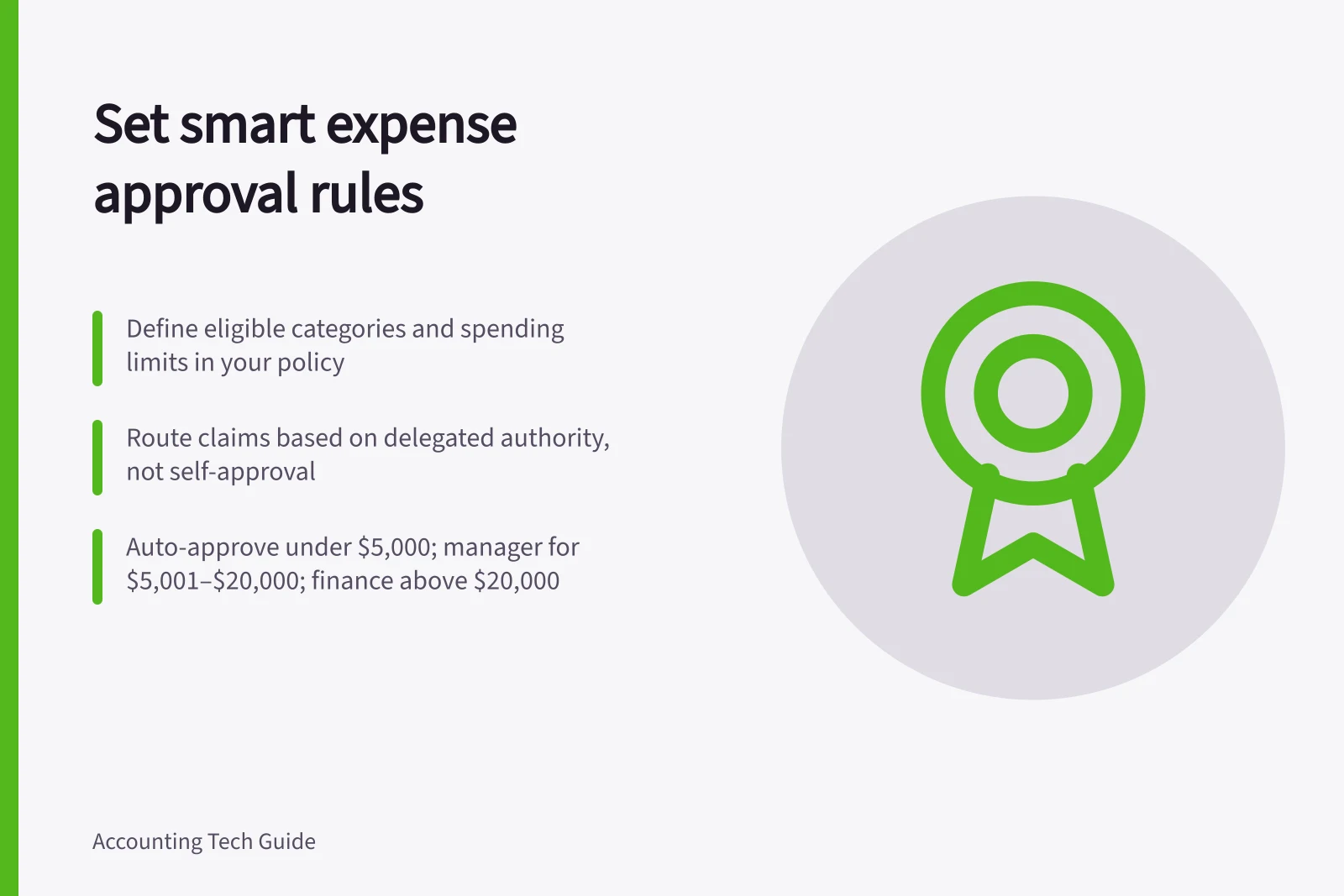
Start with the expense policy. Define eligible categories, spending limits, exceptions and delegated authority before configuring the workflow, so each rule has a clear purpose.
Separate submission from approval: an employee must not approve their own spending. Route claims to a manager or finance approver according to the delegated authority, and name a delegate for periods when the usual approver is away.
A three-tier example is to auto-approve expenses below ₹5,000, require manager approval for ₹5,001–₹20,000, and require finance approval above ₹20,000. These are rupee-denominated example limits; set your own limits in the policy and workflow. A ₹4,500 claim would test auto-approval, while a ₹25,000 claim would test the multi-level route.
Add category conditions where needed: travel, meals and operational expenses can follow different approval paths. Define how out-of-policy claims are routed, and check that overlapping rules cannot send a claim to the wrong queue or approve it silently.
In Microsoft Business Central, configure an approval workflow around the organisation’s delegation of authority, limits and sign-off sequence. Keep the rules aligned with the written policy so staff and approvers can understand what triggers each route.
Test a normal claim, claims just below and above each configured limit, an out-of-policy purchase and a claim submitted while the usual approver is away. Confirm who receives each case and what happens at every approval stage.
Record each decision and its date, and record the reason for an exception. Approval does not replace receipt review, tax coding or payment reconciliation.
Periodically compare the workflow with the current policy and staff roles, and update it when either changes. Keep records of business expenses and, if registered for GST, GST records; records must be in English or easy to translate and stored to prevent change or damage. The ATO recommends digital record keeping where possible.
If a rule routes a claim incorrectly, fix the routing and review claims already affected. Changing the configuration alone does not resolve past decisions.
Approval Thresholds by Expense Category
- Category
- Travel
- Out-of-policy claims
- Routed for exception review; no automatic approval
Key Compliance & Record-Keeping Requirements
- Preferred record format
- Digital, in English or easily translatable
- Mandatory documentation
- Receipts, invoices, and business purpose details