GST & Reporting
Part of GST and business reporting workflows
Checking current software support for Australian reporting
Compare documented Xero, MYOB Business and QuickBooks Online routes for BAS review and lodgement, including role and connection limits.
Check a product against the BAS work your business needs: prepare figures, inspect the transactions behind them, retain a reviewed copy and lodge through an available route. “BAS support” may mean a report for manual entry or an electronic lodgement path that needs separate authorisation.
Australian BAS Reporting Requirements Overview
- Reporting Frequency
- Monthly, quarterly, or annually (based on turnover)
- GST Accounting Method
- Cash, accrual, or mixed basis (must be consistent)
Write the reporting brief
Record the entity, GST accounting method, reporting frequency, applicable BAS sections and intended lodger. Have a registered tax or BAS agent confirm uncertain obligations. Ask each provider to show the workflow in the proposed Australian product, plan and user role.
Use the same questions for each candidate:
- Can a reviewer trace a GST figure to its transactions and source records?
- Does the report show the correct period and accounting method?
- What happens when a transaction changes after a draft is prepared?
- Can the business retain the reviewed figures and identify a later revision?
- Does the product produce figures for another lodgement route, or can the intended user lodge electronically? What connection and authority are required?
- How will the business handle an applicable BAS field that the demonstrated workflow does not calculate?
Compare the documented routes
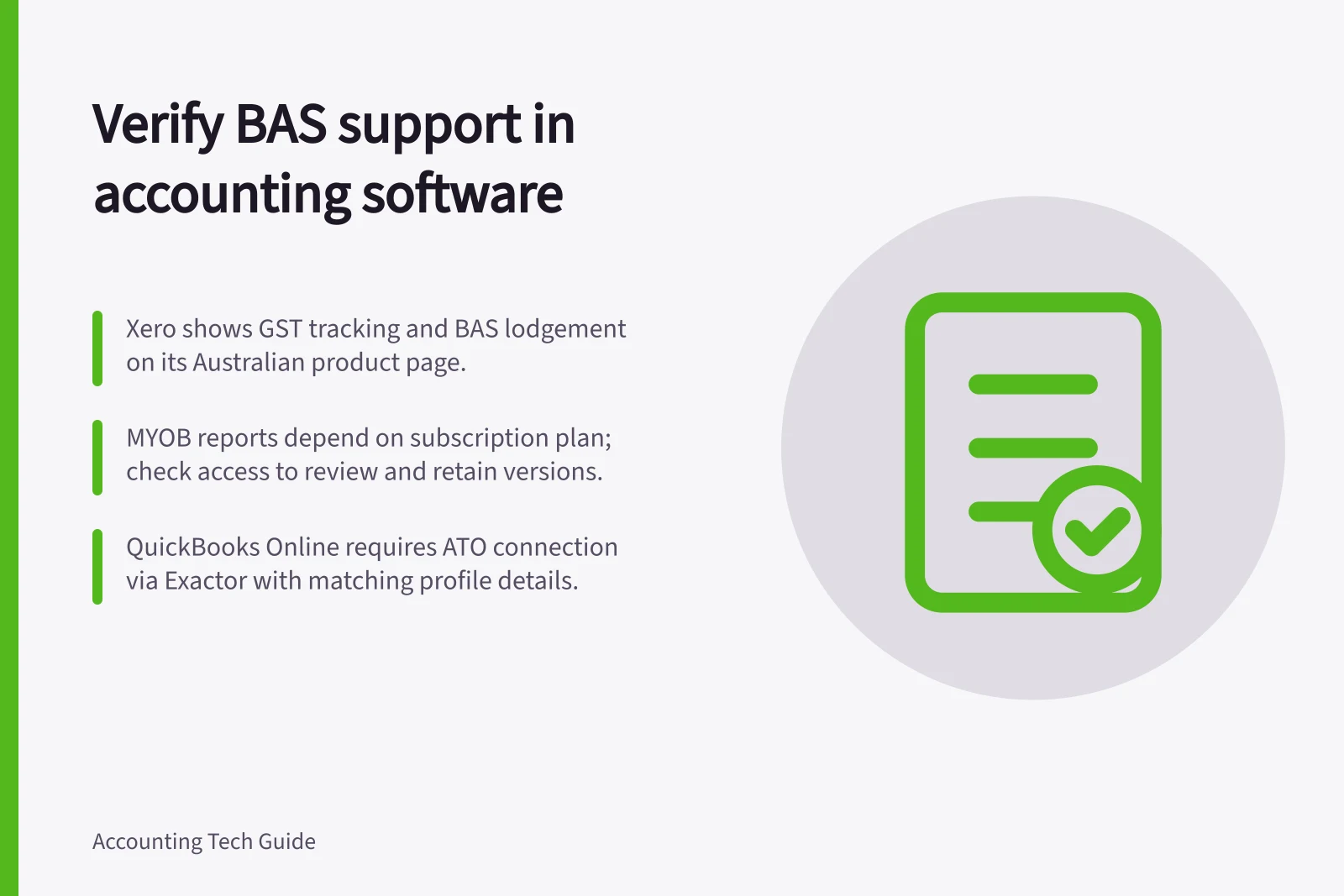
Xero. Its Australian product page lists “Track GST and lodge BAS” in the displayed business plans. Ask the provider to show how BAS preparation and lodgement work in the proposed plan and user role. The published feature description does not prove that a particular user has access.
MYOB Business. MYOB documents business reports including Profit and loss, Cash movement, Budget and Balance sheet. Report availability depends on the plan. Check which reports the proposed subscription provides and how the reviewer will retain the version used. Do not assume that report access also proves electronic lodgement access.
QuickBooks Online. Intuit’s Australian setup guidance shows GST accounting-method and BAS-frequency choices. Its electronic lodgement guidance describes an ATO connection through Exactor and says a non-accountant admin must enable it with profile details matching ATO records.
Check whether the intended owner, accountant or BAS agent can use the route before relying on it.
BAS Reporting and Lodgement Support Across Australian Accounting Software
- XeroTracks GST and lodges BAS; requires user role access confirmation. No automatic electronic lodgement without additional setup.
- MYOB BusinessProvides business reports (P&L, cash flow, balance sheet); report access does not guarantee electronic lodgement capability.
- QuickBooks OnlineSupports GST accounting method and BAS frequency setup. Electronic lodgement via ATO connection through Exactor; requires non-accountant admin to enable with ATO-matching profile details.
Verify the exception path
Ask each provider to demonstrate the same fictional period, with a credit, a late entry and a transaction whose GST treatment has already been confirmed. Trace each source entry to the GST detail and BAS figure, then ask what changes after the draft is saved. Record the plan, role, settings and result observed by the business.
Classify the proposed setup as supported, needs another route or role, or unresolved. Confirm electronic submission through its actual acknowledgement rather than a software preparation status.