Accounts Payable
Part of GST and business reporting workflows
Reviewing GST tax codes after a product or supplier change
Find affected records, check source documents and defaults, and document a qualified GST decision before changing tax codes.
When a product, service or supplier arrangement changes, identify the affected transactions and compare their GST codes with the source documents. Obtain an approved treatment before changing codes, update only the relevant defaults, then check the results from the effective date.
Define what changed
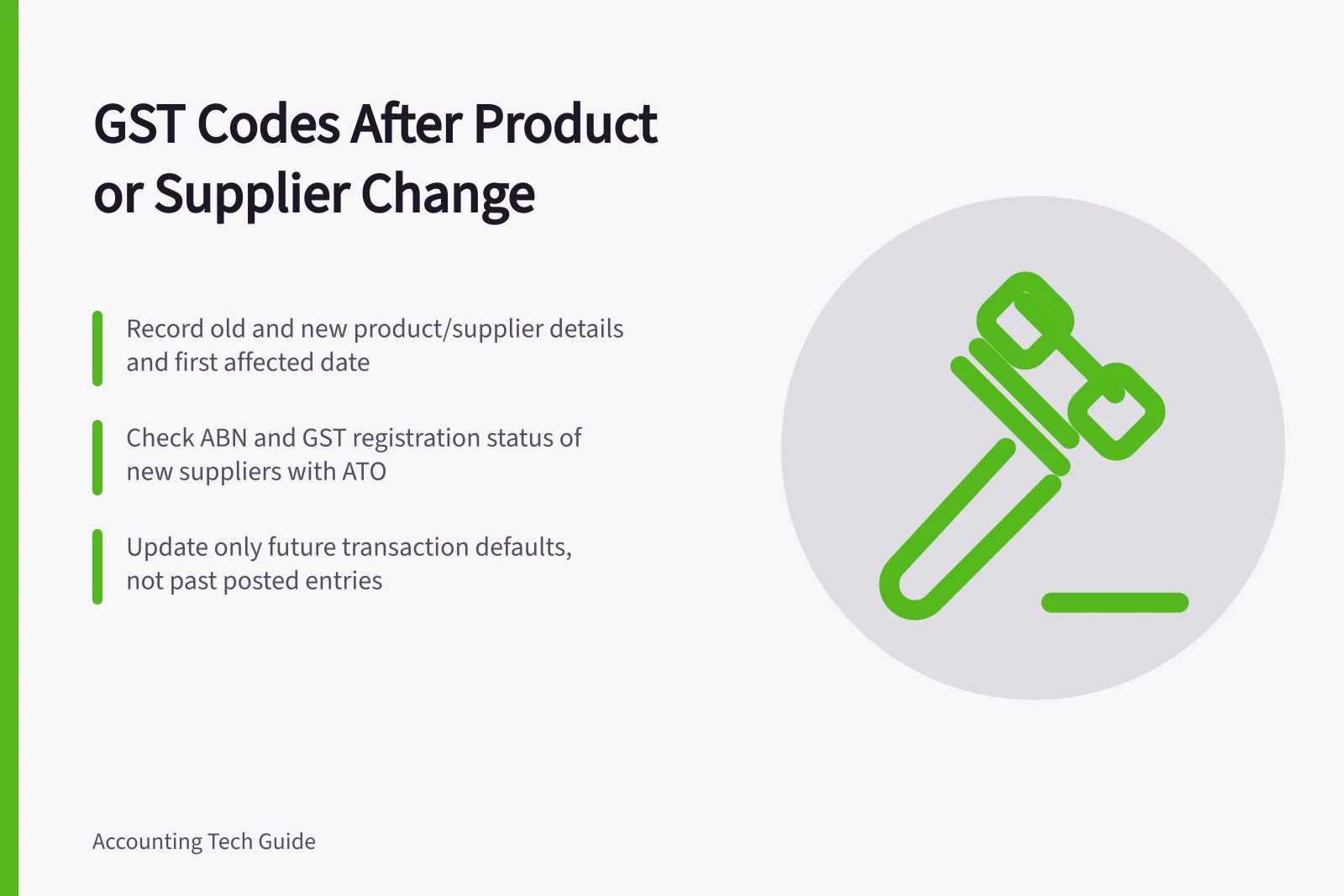
Record the old and new description or supplier arrangement, the first affected date, and the sales or purchases involved. A supplier name does not establish that every invoice line has the same GST treatment; a product label may stay the same while the bundle, service or delivery terms change.
List affected invoices, bills, credits, recurring templates, item and account defaults, and import rules that supply a code. Separate posted transactions from future entries that will inherit a default, and keep business-level GST settings such as registration and reporting frequency distinct from transaction-level coding.
For a supplier change, record the supplier’s ABN and check whether the supplier is registered to collect GST. MYOB describes GNR as applying to purchases from suppliers with an ABN who are not registered to collect GST.
Check the codes and descriptions in your accounting file rather than assuming labels are the same across software. MYOB’s examples include GST, for most goods and services taxed at 10%; FRE, for GST-free sales other than exports; EXP, for exports, which are usually GST-free; and CAP, for capital purchases.
Other MYOB codes include INP for purchases of input-taxed supplies, ITS for sales of input-taxed supplies, and N-T for sales carrying no GST, such as depreciation and cash transfers. ABN is the No ABN Withholding code; MYOB describes it for suppliers that have not quoted an ABN on invoices, or amounts withheld from investment income when no tax file number was quoted.
Common MYOB GST tax codes and their uses
- FREGST-free sales (excluding exports).
- EXPExports — usually GST-free.
- CAPCapital purchases (e.g., machinery, equipment).
- INPPurchases of input-taxed supplies (e.g., residential rent).
- ITSSales of input-taxed supplies (e.g., financial services).
- N-TNo GST (e.g., depreciation, cash transfers).
- ABNNo ABN Withholding — used when supplier hasn’t quoted ABN or tax file number.
Review the records before editing
For each representative transaction, inspect the tax invoice or other source document and the code applied to the relevant line. Note its date, description, amount and source reference; check whether a credit or replacement document relates to the original entry, and whether staff selected the code or a default supplied it.
These checks identify the transactions and the treatment question; they do not establish a GST answer. For an unresolved treatment, give an accounting adviser or registered BAS agent the documents and proposed effective date, or seek advice from the ATO. GST obligations arise under the A New Tax System (Goods and Services Tax) Act 1999.
Do not recode a supplier’s entire history because one current invoice differs. Keep business-level GST settings, such as registration and reporting frequency, separate from the transaction-level code review.
Apply an approved decision
Record the approved treatment, its scope, effective date and authoriser. Update only the defaults that should apply going forward, then inspect a newly entered transaction and its GST detail to see what the configuration proposes.
A default change should not be assumed to repair posted entries. MYOB states that changing a tax-code rate does not update earlier transactions using it; MYOB Business documents find and replace for selected transaction codes, while QuickBooks Online Accountant documents bulk GST-code reclassification.
The available control and user role vary, and neither tool establishes which historical entries ought to change. Compare the identified population and GST detail before and after approved edits, and keep both report versions and the decision.
If an earlier lodged BAS may be affected, ask the qualified adviser to determine the reporting response.
Key facts about GST code management in Australia
- MYOB Default Update Limitation
- Changing a tax-code rate does not update previously posted transactions
- QuickBooks Bulk Reclassification
- Available for GST-code reclassification in QuickBooks Online Accountant
- BAS Impact Risk
- Historical edits may require BAS amendment if lodgement already submitted