Migration
Part of Accounting technology improvement
Choosing reconfiguration before replacing the accounting system
Diagnose a specific accounting-system gap, check a supported repair and document when replacement merits assessment.
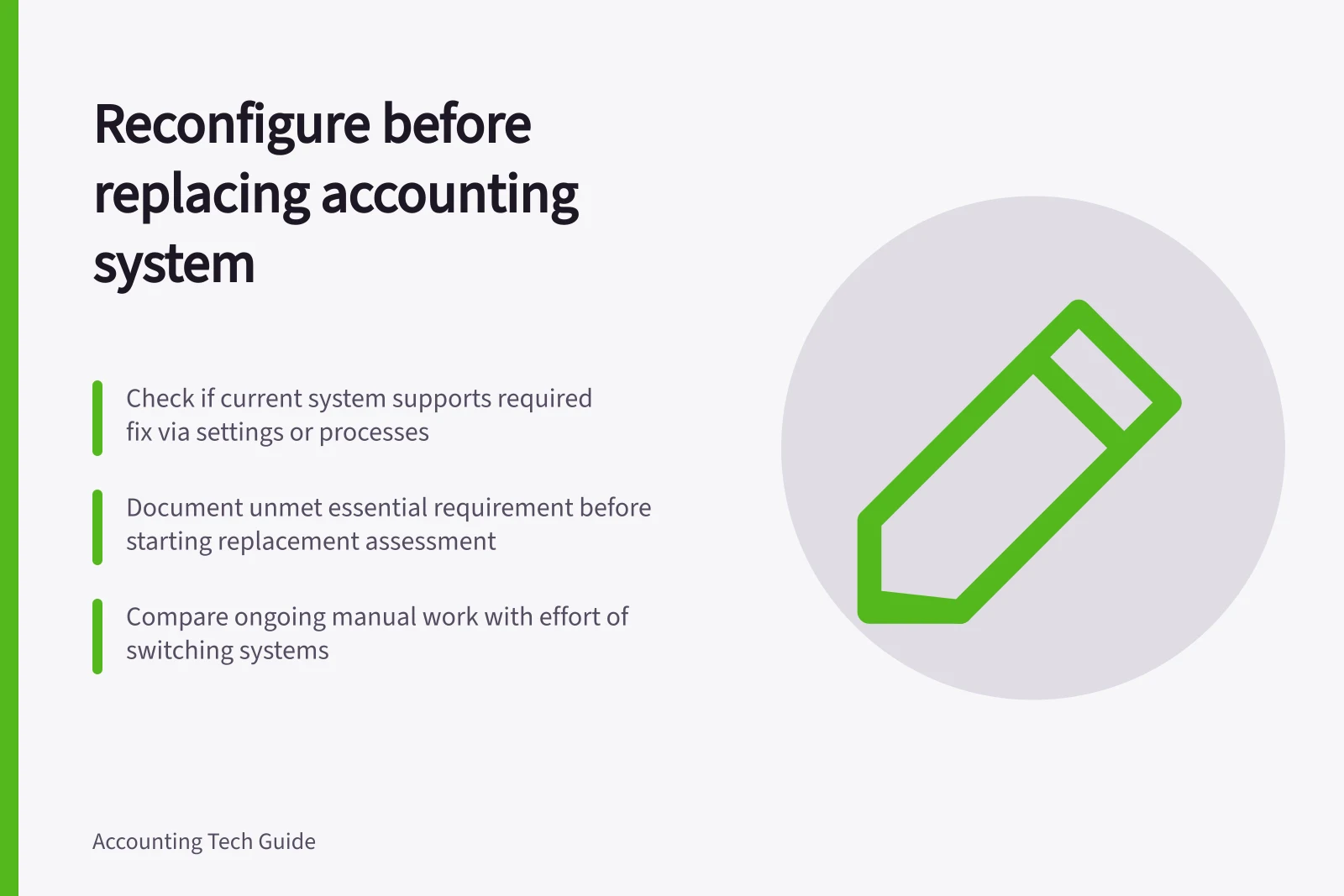
Choose reconfiguration when a defined failure has a supported setting or process remedy the team can check and maintain. Begin a replacement assessment when an essential requirement remains unmet after a bounded review, or when the work needed to manage the gap is unacceptable. Record the evidence for either decision before committing to a system change.
Name the failure
Separate the symptom from its cause. Slow reconciliation might stem from missing source documents, a matching rule, a feed issue or account setup. An incorrect report might stem from dates, filters, mapping or an underlying entry. Trace an affected transaction from source to report and identify where the result diverges.
Ask the finance owner what the correct outcome should be. If account classification or GST treatment is uncertain, settle that judgement with the accountant or BAS adviser before changing a default. New software would still need the same decision.
Check the repair options
Confirm whether the current product and subscription support the required work. Review settings, permissions and connected apps, then distinguish an incorrect configuration from a missing capability. For example, MYOB documents editable bank rules, but editing a rule does not change transactions previously matched or allocated under it. A proposed rule correction needs a future-item check and separate review of affected history.
Assess the options that fit the failure:
- Clarify the procedure.Can staff use the existing function consistently, with an owner for exceptions?
- Change a setting or mapping.Is the intended result supported, and can the old and new configurations be recorded?
- Use a supported connection or add-on.What access, cost and exception work would it introduce?
- Keep a manual control.Is its continuing effort and risk acceptable at the expected workload?
These are options to assess, not claims that a product can solve the business's problem. Check an ordinary item and the exception that exposed the gap. Inspect the ledger result, source reference, reviewer access and report effect.
Reconfiguration vs Replacement: Key considerations
- ReconfigurationUse existing tools: clarify procedures, adjust settings, use supported add-ons, maintain manual controls if acceptable
- ReplacementOnly if essential requirements cannot be met, or ongoing manual effort is excessive
Set the replacement threshold
A replacement assessment is warranted if the current setup cannot meet an essential reporting, transaction or access requirement. It is also warranted if a necessary connection cannot be made sufficiently reliable with a reasonable control. The same applies if material manual work remains after the bounded repair review.
Document the unmet requirement, evidence checked and person who confirmed the limitation. An unsuccessful setting change alone does not prove the product lacks a capability.
Compare the remaining gap with the work of moving: account setup, historical records, unpaid items, attachments, integrations, staff training and the first close. Australian businesses must keep relevant records accessible and protected when software changes. Use the same workload and period when comparing continuing controls with replacement work.
Record the decision
Choose reconfigure and monitor, hold for evidence or begin a replacement assessment. For reconfiguration, record the approved change, effective date, affected earlier entries, checks and next review date. For replacement assessment, carry the precise unmet requirement forward as a question for candidate systems. Another reviewer should be able to see why the current setup was retained or why further assessment is needed.