Migration
Accounting data migration
Plan an Australian accounting data migration with a clear cut-off, source archive, field mapping, reconciliation and release decision.
Plan the changeover date, decide which history the new system needs, preserve the old records and reconcile the result before live use. An import success message does not establish that opening balances, unpaid items and source documents agree.
Set the migration boundary
Choose the last date for entering transactions in the old system and the first date for entering them in the new one. Decide whether the destination needs opening balances and unpaid items, comparative figures or detailed earlier transactions. Record which system will hold each period’s detail and who can retrieve it.
Check the proposed product and migration route before promising historical transaction access. MYOB’s DIY guide focuses on moving opening balances and says some unpaid invoices need to be entered manually. It says transaction importing is available with AccountRight. Other products and conversion services have different scopes. A balance import does not make earlier invoices searchable as transactions in the new ledger.
Schedule the decision
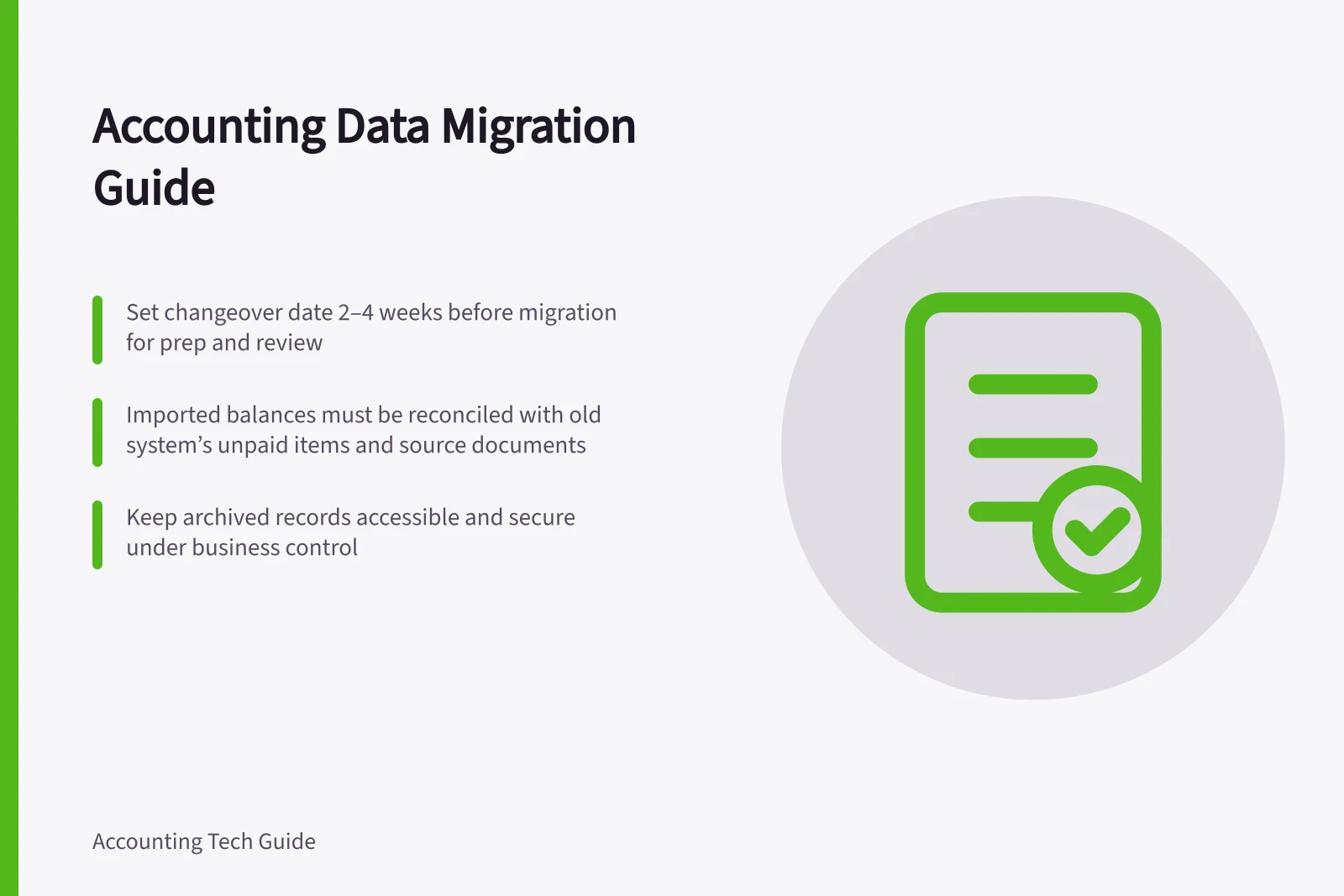
Set the changeover date early enough to prepare and review the move. MYOB suggests that many businesses switch at the start of a BAS/GST period or financial year, which can make opening balances cleaner and reconciliation easier. Its guide recommends locking in the date 2–4 weeks before switching; use that lead time to settle the history required and arrange any support.
Choose a supported route
Match the migration approach to the setup’s complexity, the time available and the confidence of the people doing the work. MYOB suggests considering an accountant or bookkeeper when the setup is complex or time is short; their advice can help with data checks and GST codes before import.
For its supported MMC Convert service, MYOB says the current and previous financial years are covered. Later transactions need to be added manually, and fees apply to convert additional transactions. Completion is stated as within ten business days after access is granted.
Supported Migration Routes for Australian Businesses
- MYOB DIY GuideMoves opening balances; some unpaid invoices require manual entry; no detailed historical transactions imported
- QuickBooks Online MigrationComprehensive guide available; supports company file transfer; requires validation of GST codes and contact mapping
- Xero Conversion from MYOB AUOfficial tool provided by Xero; imports opening balances and key data; detailed transaction history may need manual input
Preserve the source position
Reconcile the old bank accounts and review unpaid customer and supplier items. Save dated trial balance, balance sheet, profit and loss, detailed ledger, aged receivables and payables, and relevant GST, stock and payroll reports. Record each report’s entity, period, basis and filters. Keep a usable backup or archive where the old product permits one.
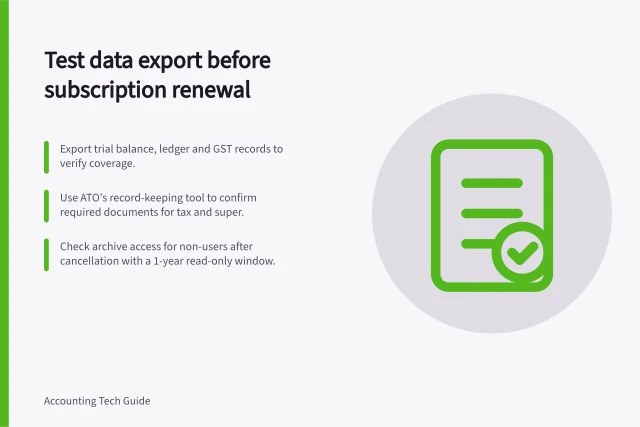
Export transaction data separately from supporting documents. A spreadsheet of bill entries does not establish that invoice images or approvals are included. Australian businesses must retain records relevant to tax, super and registrations; check the rules for the records you hold before changing access to the old system.
Pre-Migration Checklist for Australian Businesses
- Reconcile bank accounts in old systemEnsure all transactions are accounted for before migration
- Export aged receivables and payablesInclude customer and supplier details with due dates and amounts
- Save trial balance and P&L reportsDated, filtered, and recorded for reconciliation post-migration
- Back up digital records securelyStore off-site and ensure access to passwords and devices is retained
Keep digital evidence usable
Australian Government record-keeping guidance says records must be in English or readily translatable into English. Store digital or paper records so they cannot be changed or damaged, and back up digital records; where possible, keep a secure off-site backup. Check that the business can access the devices, passwords and information needed to retrieve its records after the old system is no longer in everyday use.
The ATO accepts electronic images of paper records when they are a true and clear reproduction of the original and follow record-keeping rules. A paper copy does not also need to be retained after it has been imaged unless a particular law or rule requires it. Keep access to the archived records under business control, rather than assuming that an export alone will remain readable or retrievable.
Map and load the agreed scope
Record how transaction type, contact, date, account, tax code, reference and status will be represented in the destination. Keep a source reference for each imported record where the route permits it. Account-structure design belongs in the chart-of-accounts setup; this crosswalk shows where historical records land.
Start with a controlled batch and check imported, rejected and unresolved items. Trace an invoice and receipt, a bill and payment, a credit and an item still unpaid at changeover. Check that a bank movement already represented by a payment does not create another sale or expense. Refer uncertain GST treatment to an accountant or BAS adviser.
Compare the destination trial balance with the agreed source position, allowing only for documented adjustments and mapping changes. Tie receivables and payables control balances to open-item lists. Check bank opening balances and uncleared items against the old reconciliation. Reconcile stock or payroll balances to their schedules if they are in scope. Investigate a difference instead of posting an unexplained balancing journal.
Data Mapping and Reconciliation Process
- Field mappingMatch source fields (date, contact, tax code) to destination system equivalents
- Controlled batch importImport small test set first; check rejected and unresolved items
- Cross-check transactionsTrace invoice → payment, credit → adjustment; avoid double entries
- Compare trial balancesEnsure destination matches agreed source position after adjustments
- Reconcile control accountsTie receivables/payables control totals to open-item lists
Rehearse and hand over
Use a reviewed, closed source period for a rehearsal when the chosen route supports that test. Keep its source snapshot fixed, compare the imported scope with dated reports and selected documents, and record each difference and correction.
Keep the original exports, mapping version, import results, reconciliation reports and approval decisions together. Retain an earlier approved report when a later correction changes its figures. Release the new ledger for live entry when the finance owner can explain the agreed opening position, retrieve excluded history and assign any remaining issue an owner.
Confirm the route’s limits
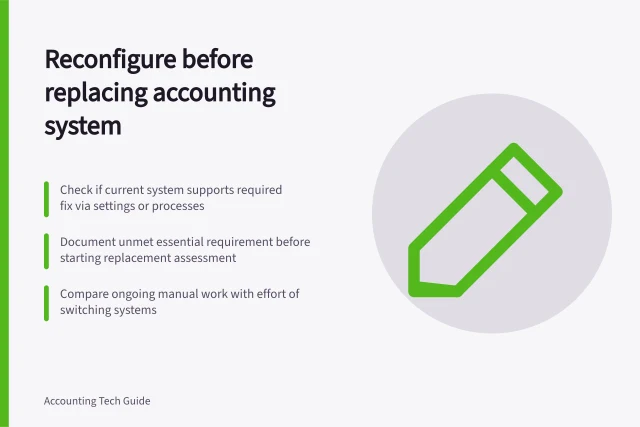
Before approving a route, get its included data and exclusions in writing, including what remains in the previous system or must be kept in reports. Do not assume a DIY balance move and a partner conversion will bring across the same records.
Agree how records arising around the cut-off will be handled, and make clear which system holds each transaction before live entry begins.
In this guide
- Exporting transactions and supporting documents with linksInventory and check accounting transaction files, reports and attachments so older records remain retrievable after migration.
- Mapping historical data into a new accounting systemCreate a field crosswalk for historical accounting records and check dates, references, relationships and balances after import.
- Testing a migration with a closed accounting periodRehearse an accounting migration against a reviewed period, comparing counts, balances, open items, documents and corrections.
- Keeping an audit record of migration adjustmentsDocument migration differences, approvals, correction entries and repeated reconciliations so changed figures remain explainable.