Invoicing
Part of Accounting automation controls
Recording who approved an automated accounting change
Keep a retrievable decision record showing who approved an automated accounting change, what changed and how it reached the ledger.
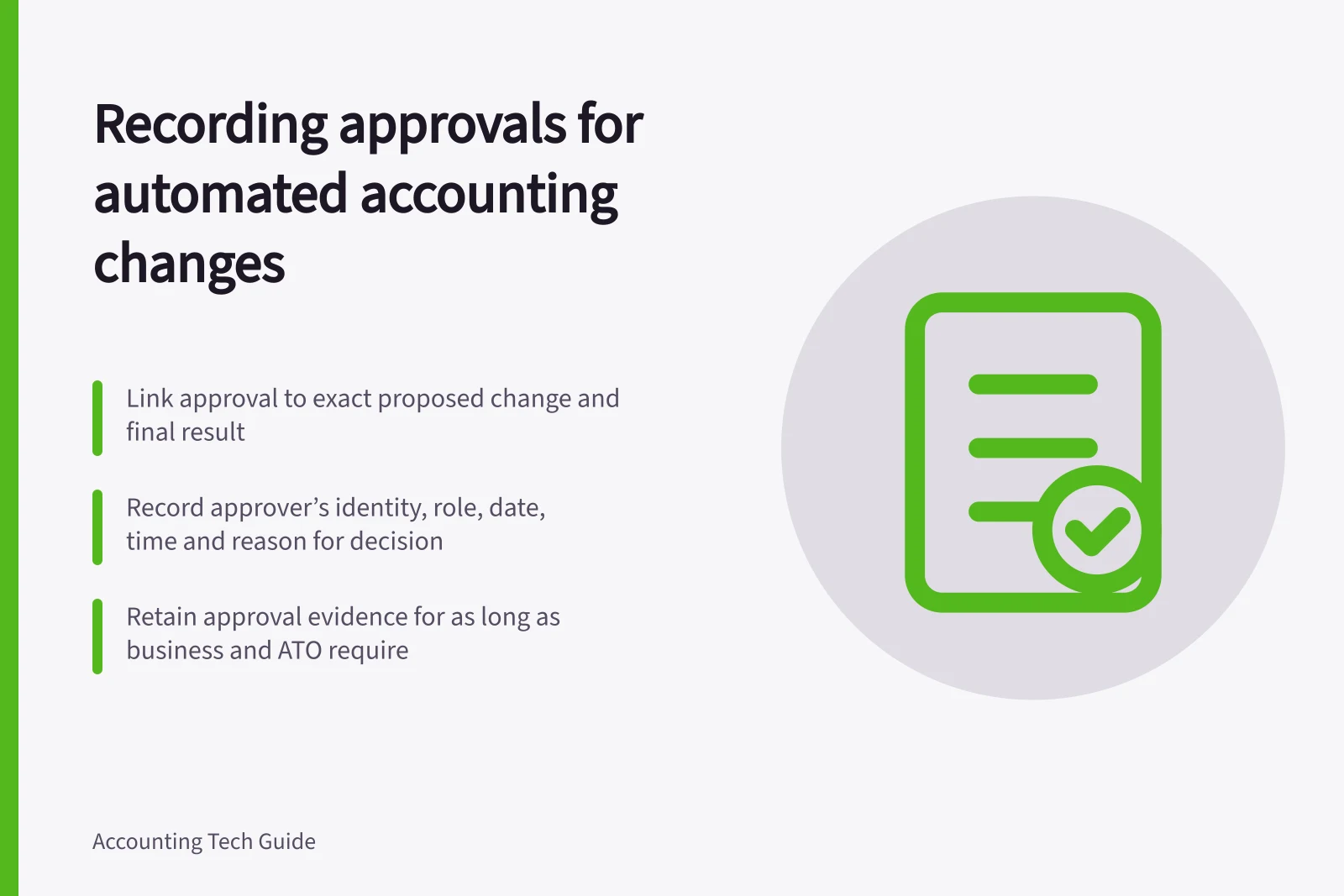
Record the decision separately from the software action. An activity log may show a person or integration changed an entry, but not who authorised the change, what they reviewed or why. Link the approval to the exact proposed change and its final accounting result.
Identify the change
A change might affect a posting rule, account mapping, GST code, supplier detail or ledger entry. Before approval, show the current and proposed values, affected transaction types, effective date and likely consequence. If earlier entries may be affected, identify the period or group of entries.
Use an approver with authority for that decision. For a material change, apply independent review where the business’s policy requires it. Record a rejection as well as an approval so the decision history remains complete.
Keep a retrievable decision record
Record:
- a stable request ID and the relevant source and ledger references;
- the proposed values or a versioned attachment available to the approver;
- the approver’s identity and role, decision, date, time and time zone;
- the reason, conditions and evidence reviewed; and
- the implementation result, including who or what made the change and any reversal.
“Approved” is insufficient if the proposed values can later change without a new decision. When material details change between approval and execution, create a new version and seek fresh approval. An emergency route should still capture the person, reason and later review.
Check the activity trail’s limits
Inspect the configured product’s audit view and export options. MYOB describes an exceptions dashboard that checks data integrity for a specified date range and provides exception reports; available reports depend on the plan. QuickBooks Online documents system administration events for some third-party app changes. Test whether the configured activity record links the approval to the implemented change.
If the accounting tool cannot link an approval to the implemented change, maintain a controlled register or ticket with the request and destination entry IDs. Limit who can alter that record and compare approved requests with implemented changes.
Retain approval evidence for the period applicable to the underlying record and the business’s obligations. Do not assume the software’s on-screen history will remain available for as long as needed.
Audit trail capabilities across accounting platforms
- MYOB BusinessExceptions dashboard with date-range reporting; report availability depends on subscription plan. [Source](https://www.myob.com/au/support/myob-business/accounting/financial-control/auditing-your-records?productview=Browser&reload=true)
- Manual controlled register (if software lacks linking)Required when audit logs don’t link approval to implementation. Must restrict access and compare approved vs implemented changes. [Source](https://business.gov.au/finance/payments-and-invoicing/record-keeping)