Bank Feeds
Part of Accounting automation controls
Detecting duplicate imports after an integration retry
Trace source event IDs, retry attempts and ledger entries to find and correct duplicate accounting imports.
Before replaying an uncertain import, check whether the first attempt created a ledger entry. Compare the source transaction, delivery attempts and destination records. A missing response can leave the sender unsure even when the receiving system completed its work.
Reconstruct what happened
Collect the source system and business transaction reference, any delivery ID, amount, currency, entity, accounting date, attempt times and destination entry IDs.
Keep delivery status separate from posting status. A failed or timed-out delivery response does not, by itself, establish that nothing posted.
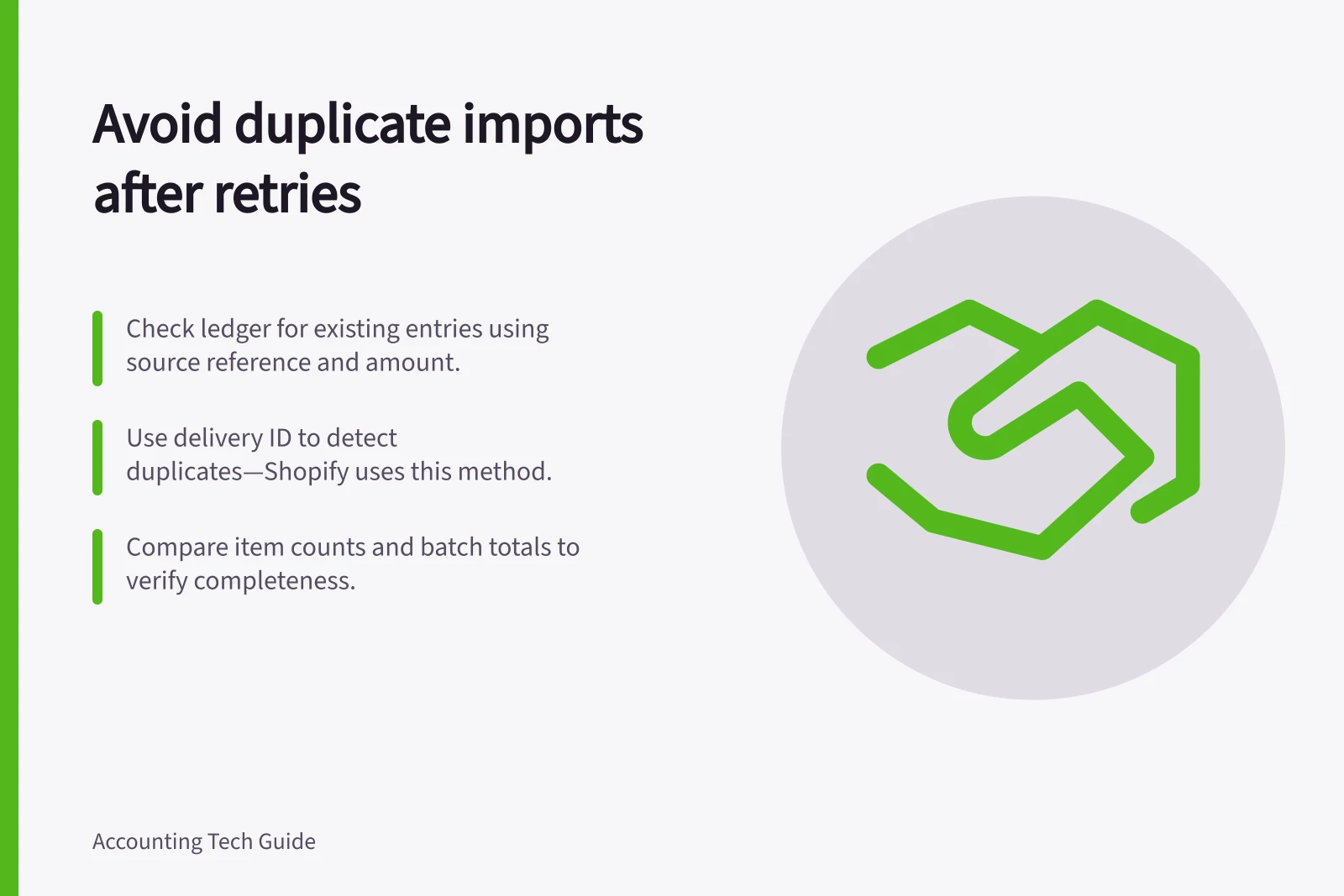
Search the ledger by source reference, then compare supporting fields. Matching amounts and dates are clues, not proof: genuine transactions can share them.
If the integration sends batches or aggregates items, compare the source range, item count, component totals and destination batch reference.
Compare source events with ledger entries
| Finding | Next action |
|---|---|
| One source transaction and one matching entry | Record the destination ID; do not replay it. |
| One source transaction and two candidate entries | Pause retries and investigate both entries. |
| Source transaction present, no entry found | Check pending and rejected states before a controlled replay. |
| Two distinct source transactions with similar details | Inspect the underlying records before calling either a duplicate. |
| Batch totals agree but item counts differ | Investigate omissions, repeats and aggregation; totals alone do not prove completeness. |
For example, an order export may time out and then be sent again.
Two ledger IDs associated with the same source transaction are a reason to investigate, not enough on their own to delete an entry. Confirm what each entry represents and whether either has been adjusted.
Correct and prevent a repeat
Assign a finance owner to decide which entry represents the source transaction. Retain the source record, destination references, decision and correction.
If the period is closed or tax reporting may be affected, obtain the accountant's direction on the appropriate adjustment. Recheck related clearing accounts and reconciliations after correction.
Ask the integration owner how retries are identified and whether the destination prevents a second creation. A delivery ID and a business event ID may serve different purposes.
Shopify's documentation says each delivery includes a delivery ID that can be used to detect duplicates.
The receiving process therefore needs a key suited to the accounting result it is trying to create.
Keep a source-to-destination mapping, including failed attempts and corrections, and monitor both item counts and amounts.
Key Facts from Integration Retry Best Practices
- Delivery ID use case
- Shopify uses delivery ID to detect duplicates (source: https://shopify.dev/docs/apps/build/webhooks/verify-deliveries)
- Idempotent requests
- Stripe supports idempotent requests to prevent duplicate processing (source: https://docs.stripe.com/api/idempotent\_requests)
- Australian record-keeping requirement
- Businesses must maintain accurate financial records under Australian law (source: https://business.gov.au/finance/payments-and-invoicing/record-keeping)