Ledger Setup
Part of Accounting integrations
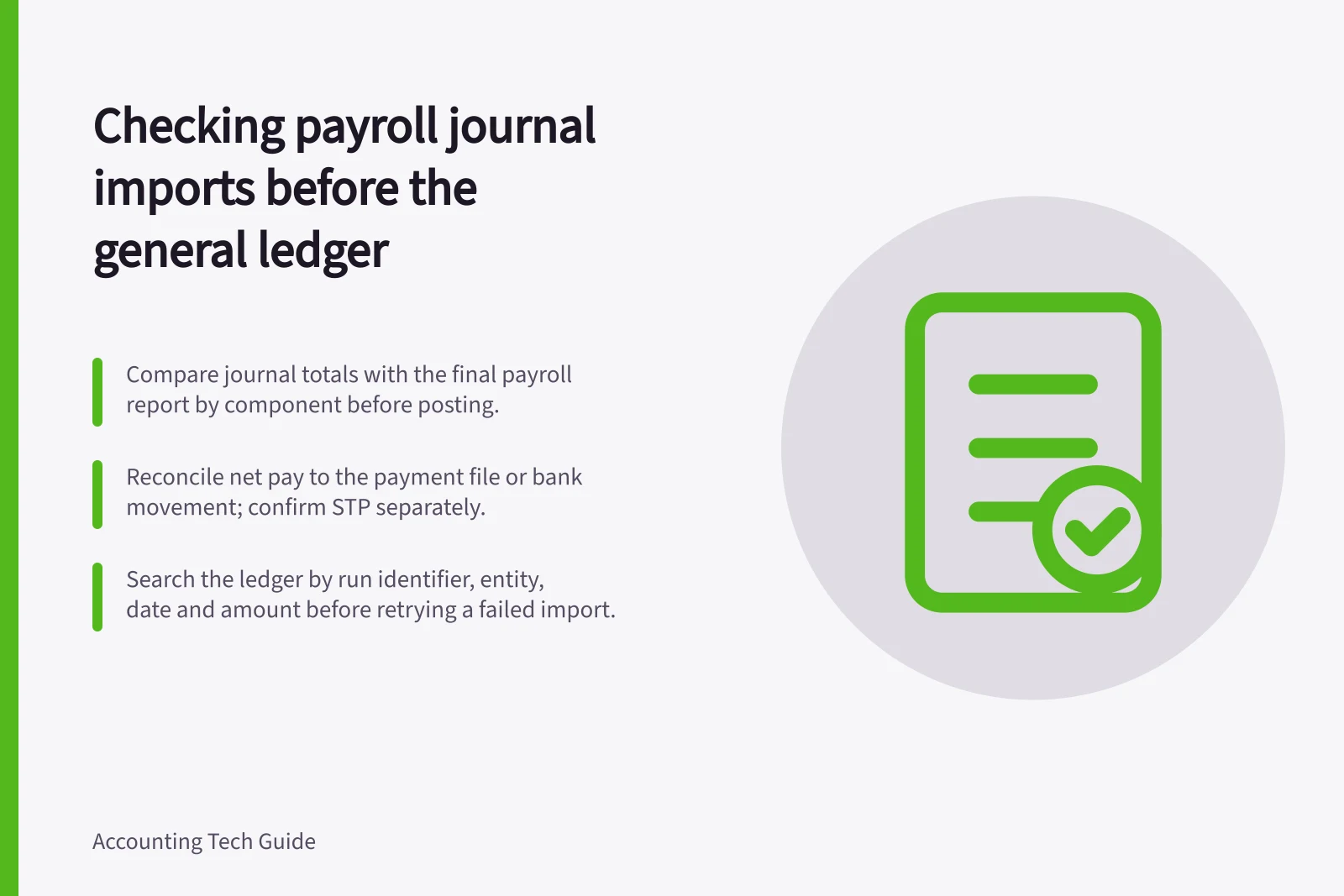
Checking payroll journal imports
Check payroll journals against approved pay runs, payment files and liabilities, and catch missing or duplicate imports before close.
Check a payroll journal import against the approved pay run before it reaches the general ledger. A balanced journal can still omit employees, duplicate a run or post a liability to the wrong account. The comparison needs the pay-run identifier, period, totals and an accountable reviewer.
Establish the source totals
Use the final payroll register or approved pay-run summary, not a draft calculation. Confirm the employing entity, pay period, payment date, run identifier and whether the run includes an off-cycle payment or correction. Limit access to employee-level information; the finance reviewer may only need controlled totals and a way to investigate exceptions with payroll staff.
Compare the amounts that matter for the business's setup: gross earnings and other pay components, deductions, PAYG withholding, net pay, employer super and any amounts retained as liabilities. Check that the journal's debits and credits balance and that each component is assigned to the intended account.
The precise journal structure should be approved by the accountant, especially for leave, salary sacrifice, super and corrections.
| Check | Question for the reviewer |
|---|---|
| Completeness | Is every approved run for this entity and period present once? |
| Amounts | Do journal totals agree with the final payroll report by component? |
| Accounts | Are expenses, bank or clearing entries, and liabilities mapped as approved? |
| Timing | Is the journal dated for the intended accounting period? |
| Correction | Can a reversal or replacement be traced to the original run? |
Payroll journal import review checklist
- CompletenessIs every approved run for this entity and period present once?
- AmountsDo journal totals agree with the final payroll report by component?
- AccountsAre expenses, bank or clearing entries, and liabilities mapped as approved?
- TimingIs the journal dated for the intended accounting period?
- CorrectionCan a reversal or replacement be traced to the original run?
Reconcile beyond the journal
Compare net pay in the approved run with the payment file or bank movement, allowing for any documented timing difference. Track PAYG withholding and super amounts as liabilities until they are paid and reconciled under the business's process. Do not mark a liability cleared simply because the journal imported successfully.
Single Touch Payroll (STP) is a reporting process from payroll software for salary and wages, PAYG withholding and super information. A journal appearing in the accounting system does not by itself confirm that an STP submission succeeded.
Check the payroll system's reporting status separately.
Reconciling payroll beyond the journal
- Compare net payMatch net pay in the approved run with the payment file or bank movement, allowing for documented timing differences.
- Track liabilitiesTrack PAYG withholding and super amounts as liabilities until they are paid and reconciled.
- Do not clear earlyDo not mark a liability cleared simply because the journal imported successfully.
- Check STP statusCheck the payroll system's reporting status separately; a journal import does not confirm that an STP submission succeeded.
Handle failed or repeated imports
If an import fails, identify whether no journal was created, part of a batch was created, or the journal exists with incorrect mapping. Before retrying, search the ledger by run identifier, entity, date and amount. Do not post a replacement until the original state is known. Record the reason for any reversal and the approved replacement reference.
A useful pre-launch test set could cover an ordinary run, off-cycle run, amended run and repeat delivery of the same file. After launch, keep an exception log for unmapped components, duplicate runs and differences between payroll, ledger and bank. Escalate unexplained amounts to the payroll and finance owners before close.
Handling a failed or repeated payroll journal import
- Diagnose the failureIdentify whether no journal was created, part of a batch was created, or the journal exists with incorrect mapping.
- Search the ledgerSearch by run identifier, entity, date and amount before retrying.
- Confirm the original stateDo not post a replacement until the original state is known.
- Record the correctionRecord the reason for any reversal and the approved replacement reference.