Ledger Setup
Part of Accounting software costs and contracts
Evaluating paid add-ons against actual accounting tasks
Compare paid payroll, expenses, inventory, payments and connected apps with the accounting work they must complete and their full cost.
A paid accounting add-on earns its cost when it completes a named task that the base plan or an acceptable manual process does not cover. Define the required accounting result, follow the workflow through exceptions, and compare the full charge with the work it removes.
Describe the task and total charge
Write down the task, such as capturing supplier bills for review or running payroll and passing the approved result to the accounts. Record the current process, normal and peak volume, and who will own the new process.
Check whether the base plan, a higher tier or an existing app already covers the task. Calculate the combined charge: base plan, add-on or app subscription, per-person or per-transaction fees, setup and training. Confirm what triggers each charge and who invoices you.
Check plan allowances before paying for something already included. Xero Grow includes payroll for 2 people and expense claims for 1 user; Comprehensive includes 5 people and 5 users, and Ultimate includes 10 of each. MYOB Business Lite and Pro charge an extra $3 per employee per month for payroll; AccountRight Plus includes unlimited inventory.
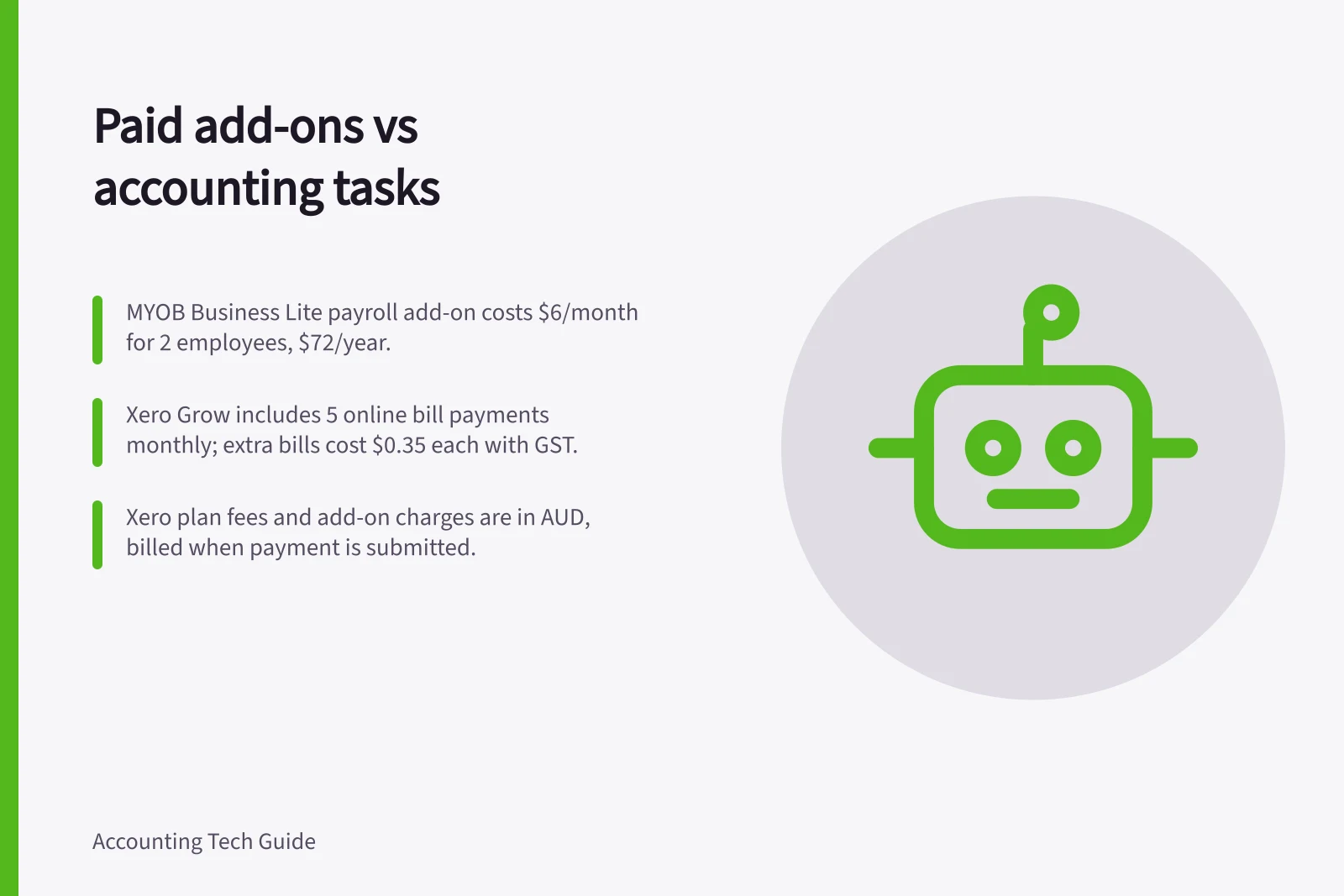
For a two-employee payroll task on MYOB Business Lite, the payroll add-on costs $6 per month, or $72 over 12 months. Adding that to the displayed annual plan prices gives $166.50 using the $94.50 promotional price, or $387 using the $315 price after the offer period.
Match the check to the task: for expenses, check users and accounting output; for inventory, identify the stock records maintained and how corrections reach the accounts. For bill payments, check the included payment count, fees and evidence money reached the bank; for a connected app, check the subscription owner, shared data, error handling and cancellation route.
Xero Plan Inclusions: Payroll & Expense Claims
Check the working result
The MYOB payroll price and employee limit do not establish how an approved pay run reaches the accounts or how exceptions are handled. Before buying, ask for a representative run and confirm who handles the hand-off and exceptions.
For Xero online bill payments, the workflow is to verify business details with Airwallex, select bills in Xero and choose Make online payments; Airwallex processes the payments. The feature supports domestic AUD payments only, and each individual bill in a payment batch counts towards the monthly allowance.
For seven domestic bills in a month on Xero Grow, five are included and two cost $0.35 each, adding $0.70 in fees. At the displayed plan prices, the combined monthly charge is $16.30 during the first three months at $15.60 for the plan, then $78.70 at the $78 plan price.
Xero Ignite includes no bill payments and charges $0.35 per bill; Grow includes 5 a month, Comprehensive 10, Ultimate 15 and Ultra 20. Fees are in Australian dollars, include GST and are charged when you submit payment, in addition to the Xero plan charge. Online bill payments have no separate recurring subscription fee or extra-user fee.
For a receipt tool, trace a representative image through review to its ledger entry. For bill payments, distinguish a payment prepared in accounting from money sent and cleared by the bank; for a connected sales app, identify which system creates the sale and how failed transfers are handled.
Xero App Store examples include Fergus for job management, Ignition for proposals, billing, payment collection and workflows, and SuiteFiles for document management. Connecting an app and selecting its subscription are separate steps; check the data shared and the app’s billing and cancellation terms before deciding.
Classify each gap as covered by the base plan, add-on required, manual process acceptable or unresolved. Compare the expected work saved with the full charge and the work added by monitoring exceptions.
After a normal operating cycle, compare completed work, exceptions and the actual charge with the task brief. Keep or remove the add-on based on that result, while preserving access to records created through it.