Ledger Setup
Part of Financial reporting software
Comparing cash and accrual views in a system
Compare cash and accrual reports using the same settings, trace timing differences and label each view before sharing figures.
Compare cash and accrual views by running the same income and expense report for the same entity and period, changing only the accounting basis. Trace any difference to transactions and their payments. A difference is not automatically an error.
A cash view generally follows receipts and payments. An accrual view includes income and expenses when transactions are recognised, even if settlement comes later. A cash-basis profit and loss differs from a cash flow statement, which covers cash movements beyond income and expenses.
Cash vs Accrual Accounting: Key Differences in Reporting
- Basis of RecognitionCash: When cash is received or paid. Accrual: When income is earned or expenses are incurred.
- Timing of Income RecognitionCash: On receipt of payment. Accrual: On invoice date, regardless of payment timing.
- Timing of Expense RecognitionCash: When paid. Accrual: When goods/services are received, even if not yet paid.
- Use CaseCash: Cash flow visibility. Accrual: Financial health and performance over time.
Follow a transaction across periods
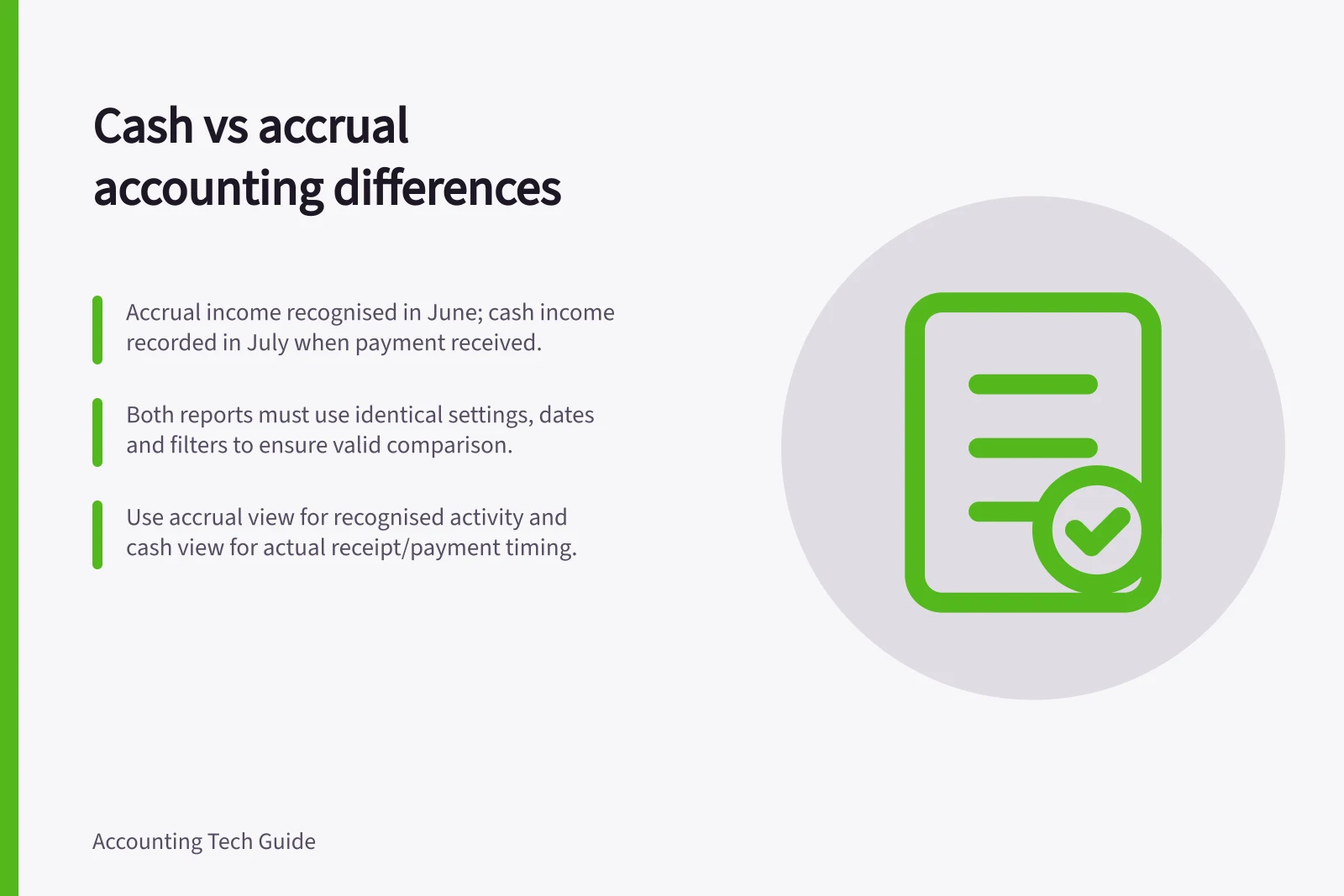
Suppose a service is completed and invoiced in June, with payment received in July. In a simplified example with no GST, credits or other adjustments, accrual income appears in June and cash-basis income in July.
An expense for goods or services received in June but paid in July can create a similar timing difference. Actual recognition depends on the transaction and the business's accounting policy.
Run the June profit and loss on both bases, then inspect the source invoice, bill and payments. Run July to see how settlement affects the cash view.
For a partial payment, credit note or refund, follow the individual records; do not assume the whole original amount moves together. A report toggle cannot fix a missing payment or an incorrectly entered transaction.
Transaction Flow Across Periods: June to July Example
- JuneService completed and invoiced (accrual income recognised). Payment not yet received.
- JulyPayment received (cash income recognised). Expense for goods/services received in June may be paid.
Keep the other settings fixed
For both runs, record the entity, report name, dates, comparison period, account grouping, tracking filters, tax display and adjustment setting. Compare the same lines and totals.
Report controls vary: MYOB Business documents a business-wide reporting-basis setting with report overrides, while QuickBooks documents a basis choice on individual reports. Check which setting was active and whether a saved report retained it.
If the totals are unexpectedly equal, check whether the period has unpaid items and whether both reports use the intended basis. If they differ unexpectedly, check payment allocation, transaction dates, credits and filters. Explain the items causing the difference rather than forcing the totals to agree.
Use the view that answers the question
An accrual view helps show recognised activity and amounts still owed, subject to the business's accounting policies. A cash view helps show when related receipts and payments affected the period.
Use a cash flow report when the question includes other sources and uses of cash. Ask the accountant which basis belongs in approved accounts and which views are supplementary management information.
Check which setting applies; MYOB Business lists the report accounting basis and GST settings separately on its Report settings page. Label the basis whenever sharing a figure.
When to Use Cash vs Accrual Views
- Use Cash View ForTracking actual cash inflows and outflows. Monitoring short-term liquidity. Preparing BAS or GST reports.
- Use Accrual View ForAssessing true business performance. Showing amounts owed by customers or to suppliers. Meeting ATO requirements for financial statements.
- CautionNever assume a report toggle fixes missing or incorrect entries. Always verify transaction records.