Ledger Setup
Part of Financial reporting software
Reconciling management reports with approved accounts
Build a documented bridge from approved accounts to management figures, including mappings, excluded adjustments and open differences.
Begin with the authorised accounts for the same entity and period. Explain every difference between those figures and the management report in a documented bridge. Different account groupings, excluded adjustments or management-only measures can be useful, but their effect on the figures must be visible.
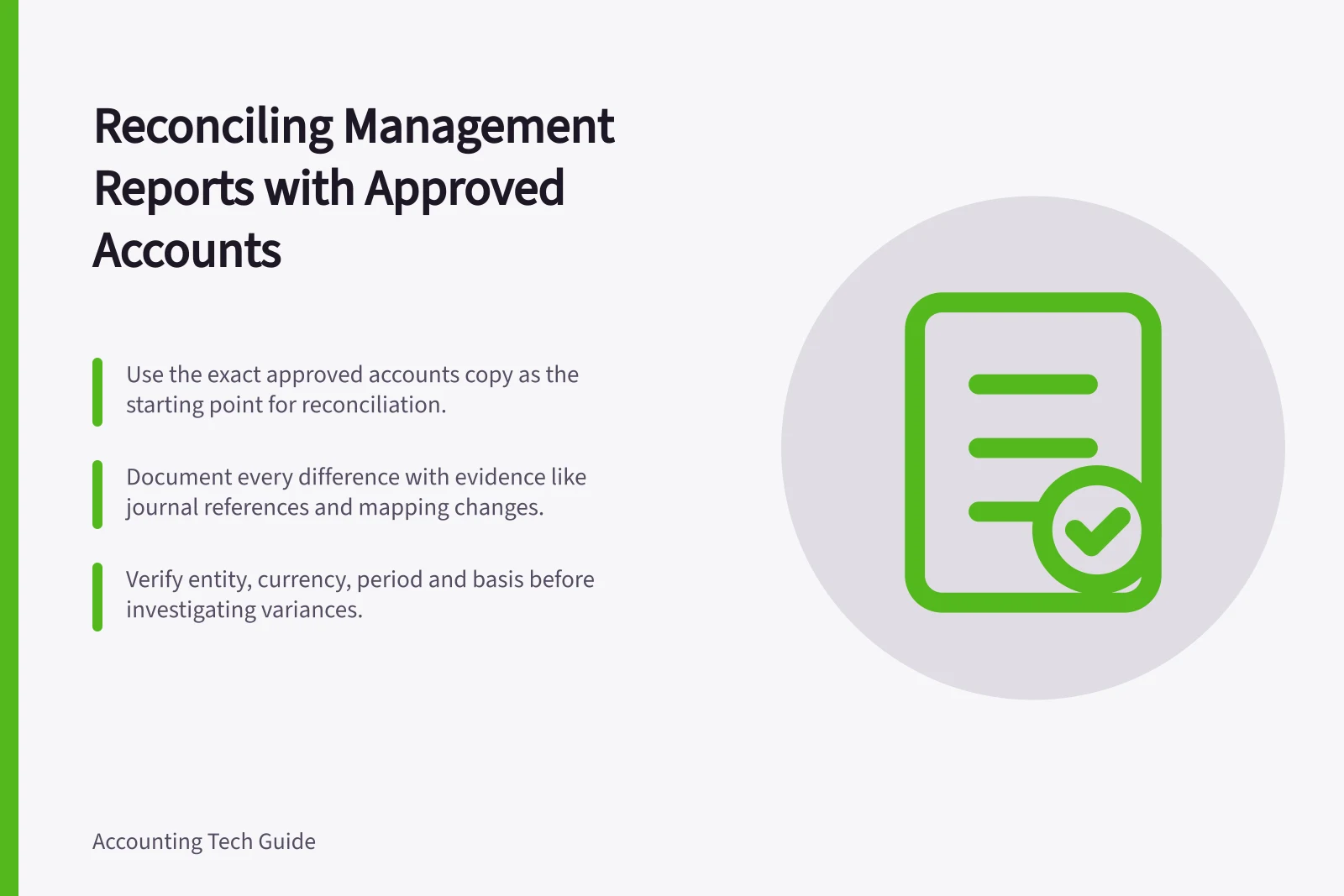
Use the exact approved copy as the starting point. A ledger report rerun after approval may include later entries. Treat that rerun as a separate version until the finance owner decides whether the approved accounts need revision or the difference belongs only in the management bridge.
Build the bridge by account
Compare the reports at total level, then by account. Use a trial balance or detailed ledger view as a common reference where available. Before investigating a variance, confirm the entity, currency, period and basis in both reports.
Difference type / Evidence to retain
- Account regrouping
- The mapping from ledger account to each report line.
- Adjustment excluded from the management view
- Journal reference, amount, date and reason for exclusion.
- Different period
- Boundary transactions and the date rule used.
- Management-only measure
- Formula, source inputs and a label separate from approved-account totals.
- Unresolved difference
- Amount, owner and investigation status.
Show the positive or negative effect of each item on the relevant total. A reviewer should be able to start with the approved figure, apply the listed differences and reach the management figure. Apply the same approach to any prior-period comparison included in the pack.
Investigate in a useful order
First compare report settings: dates, basis, account and tracking filters, and adjustment options. Then inspect postings made after approval, missing or duplicated transactions, and changed mappings. MYOB AccountRight, for example, lets users mark year-end adjustment journals so they can be excluded from reports. If such entries are excluded from a management view, show their effect in the bridge.
Check balance-sheet lines as well as profit. A familiar profit total does not establish that receivables, payables or other balances still agree with the approved accounts. Trace material differences to accounts and source records rather than using a balancing amount.
Define any management-only subtotal and label it clearly. If an account moves between management lines, update the mapping and make the comparison period consistent, or explain the change.
Close the review
Give each difference a disposition: explained presentation difference, approved adjustment, correction required or still open. Retain the supporting report version and journal references. If the investigation finds an accounting error, the finance owner or accountant should decide on the correction and whether an approved report needs a new version. Preserve the earlier authorised copy and the decision trail.
The bridge is ready for review when it explains the full difference at the level readers use, and remaining presentation choices are explicit. The management report can then support decisions without being mistaken for a replacement for the approved accounts.
Final Review Checklist Before Closing the Reconciliation
- All differences assigned a dispositionExplained presentation difference, approved adjustment, correction required, or still open
- Supporting documents retainedReport version, journal references, and decision trail preserved
- Earlier authorised copy preservedNo overwrite of original approved accounts
- Bridge fully explains variance at user levelReviewers can start from approved figure and reach management figure