Ledger Setup
Reviewing changes in an accounting audit log
Investigate an accounting change against its source and approval, and check the log coverage and access limits of each product.
Start with a specific transaction or setting. Find what changed, when it changed and which account or process made the change. Compare the event with its source record, approval and final ledger effect. An audit event records an action; it does not prove the accounting decision was correct.
Investigate a defined question
Record the business entity, transaction reference and period. For a changed bill, keep the supplier document, the current bill and the approval record beside the log. Search by change time as well as accounting date where the product allows it; they may differ.
| Finding | Follow-up |
|---|---|
| Bill added or edited | Compare available old and new values with the document and approved version. |
| Entry deleted or reversed | Trace the correction and its effect on reports. |
| Supplier details changed, where logged | Check the authorised request and any affected payment. |
| System identity | Trace the source event and connected process. |
| No event found | Check filters, permissions and log coverage before concluding nothing changed. |
Keep the date range and filters used, the transaction identifier and any extract required for later review.
Check what each log covers
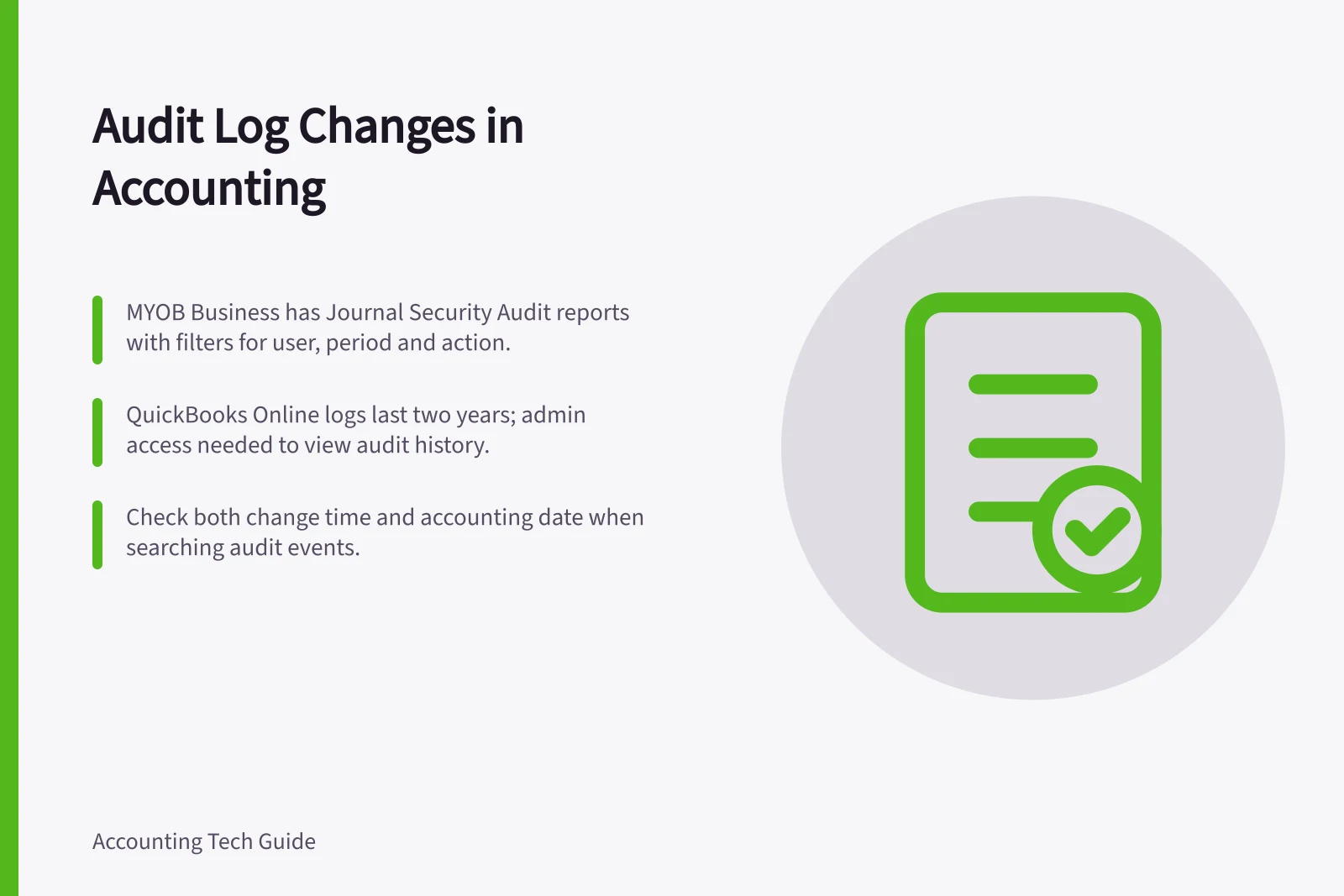
MYOB Business documents a Journal security audit report with filters for period, user, transaction type and actions including added, edited, deleted and reversed. Its AccountRight desktop guidance also describes a separate Session Security Audit report for checking unauthorised access or password changes. Report access and controls differ by view.
QuickBooks Online says audit-log events remain available for two years and that admin access is needed to view the log. Automatic and third-party changes may appear under System Administration.
Its transaction-specific Audit history shows who, when and what changed, but requires full access rights. Retain an approved extract through the business's record process if it needs that information beyond the on-screen period.
Close the review
Match the event to the document, business decision and final account or report. If it affects a reconciled or approved period, have the finance owner or accountant decide the correction and retain the earlier report version. If no event appears, record the coverage and filters checked, then investigate the source system or other records as appropriate.
The review is complete when another person can explain the change and its consequence, rather than only point to a timestamp.
Audit Log Review Checklist
- Match event to source documentEnsure the change aligns with approved records.
- Confirm business decision contextVerify the change was intentional and justified.
- Check reconciled or approved periodsIf affected, retain earlier report version and consult finance owner.
- Document review processKeep date range, filters used, and extracts for future reference.
- Validate completenessEnsure another person can explain the change and its impact.