Invoicing
Part of Invoicing and accounts receivable tools
Tracking issued, overdue and disputed invoices separately
Use separate balance and follow-up views to manage overdue, partly paid and disputed customer invoices.
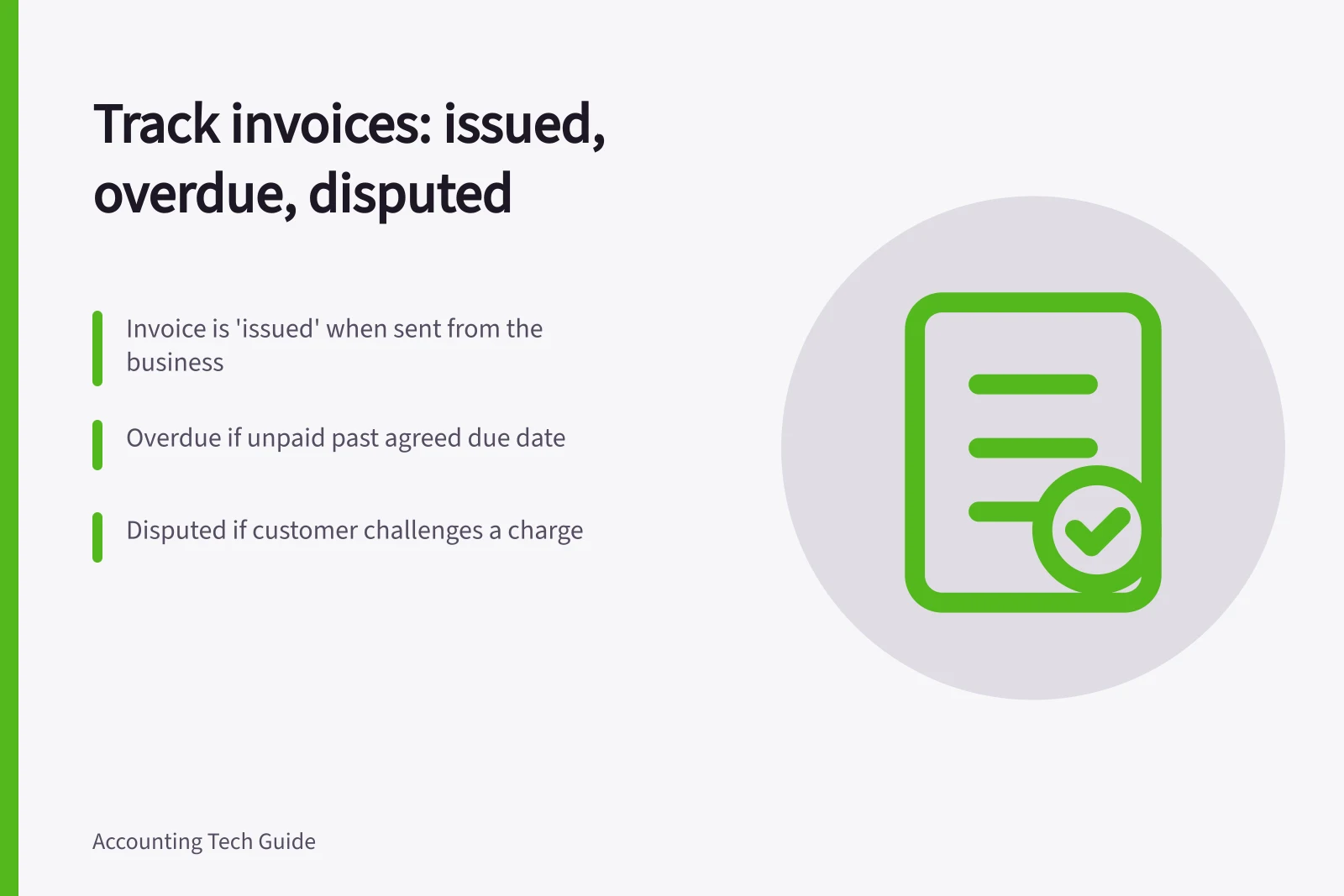
Track an invoice's unpaid balance and its follow-up issue as separate facts. ‘Issued’ means it has left the business; ‘overdue’ means an unpaid amount is past the agreed due date; ‘disputed’ means the customer has challenged a charge. An invoice can be overdue and disputed at once. One label should not hide either the money owing or the work needed to resolve the query.
Keep two views of each invoice
The financial view should show the invoice number, customer, issue and due dates, original amount, receipts, credits and remaining balance. The follow-up view should show delivery, the customer's query, its owner and the next action date. If only part of a charge is disputed, record that amount rather than treating the entire balance as challenged.
| Situation | Balance check | Next action |
|---|---|---|
| Issued, not yet due | Confirm delivery and the open amount. | Wait until the agreed follow-up date. |
| Overdue, no known dispute | Check the due date and any receipt awaiting allocation. | Send the agreed reminder or contact the customer. |
| Disputed | Keep the unpaid balance and query visible. | Assign someone to review the order, delivery record and customer's explanation. |
| Partly paid | Show the balance after allocating the receipt. | Confirm what the customer intended the payment to cover. |
| Corrected | Link the credit or replacement to the original. | Confirm the remaining amount and due date with the customer. |
These are operating categories. A product need not have a built-in ‘disputed’ status to support them, but the team needs a reliable place to record and retrieve the query.
Follow the reason for non-payment
Before sending a reminder, check the agreed terms, whether the invoice reached the right person and whether a payment is awaiting allocation. Australian business guidance recommends starting overdue follow-up with a polite contact.
For a disputed charge, capture the customer's stated reason and supporting correspondence. A quantity dispute needs different evidence from an invoice sent to the wrong billing address.
Give the issue to someone able to resolve it and record the next promised update. Pause routine reminders where appropriate while the query is being handled; do not assume software will recognise a dispute in an email thread.
A promise to pay is not a receipt. Keep the balance open and record the promised date as a follow-up action. A proposed credit is likewise not an issued correction. Ask the accountant how to handle a material change or one affecting a reported period.
Review the queue against the total
At each review, compare open invoices with receipts and credits. Group what remains by next action: routine, overdue follow-up, dispute investigation or agreed payment arrangement. The groups should still explain the total outstanding balance. If the software cannot show both the financial and follow-up views, use a controlled exception list keyed by invoice number.
MYOB Business, for example, documents paid, open, credit and overdue statuses alongside email and reminder activity. That can help establish what happened, but its published status list does not establish a dedicated dispute workflow. Check the notes, permissions and export available in the product used.
Close the follow-up issue when the customer's question has a recorded outcome. Keep the financial balance visible until payment, an approved correction or another properly recorded resolution clears it.
Invoice Management Best Practices in Australia
- Action RequiredReview open invoices against receipts and credits monthly
- Dispute HandlingRecord customer queries and supporting documents for audit compliance
- System LimitationMYOB Business does not have a dedicated dispute workflow—use notes and exports
- Final ResolutionClose follow-up only when outcome is recorded; keep financial balance visible until cleared